
Package
This guide explains how to create, customize, and deploy a BigConfig Package.
The default template provides three integrated workflows out of the box:
- Infrastructure: Provisions a DigitalOcean droplet using OpenTofu (Terraform).
- Configuration: Installs Redis on the droplet via Ansible.
- Local Environment: Automatically updates your local SSH configuration with the new server details.
Requirements
Section titled “Requirements”BigConfig relies on Clojure and Babashka. We also strongly recommend configuring direnv and devenv for automated environment management.
brew install clojure/tools/clojurebrew install borkdude/brew/babashkabrew install opentofubrew install ansibleIf you have direnv, devenv should build the environment automatically.
devenv buildGetting started
Section titled “Getting started”If you don’t have a DigitalOcean account yet, you can use a placeholder string for the :ssh-key during initialization. The setup process will prompt you for your DigitalOcean API token when you run the create command.
-
Install the BigConfig Tool
Add BigConfig as a global Clojure tool:
Terminal window clojure -Ttools install-latest :lib io.github.amiorin/big-config :as big-config -
Initialize your Package
Invoke the template to generate your project. Replace
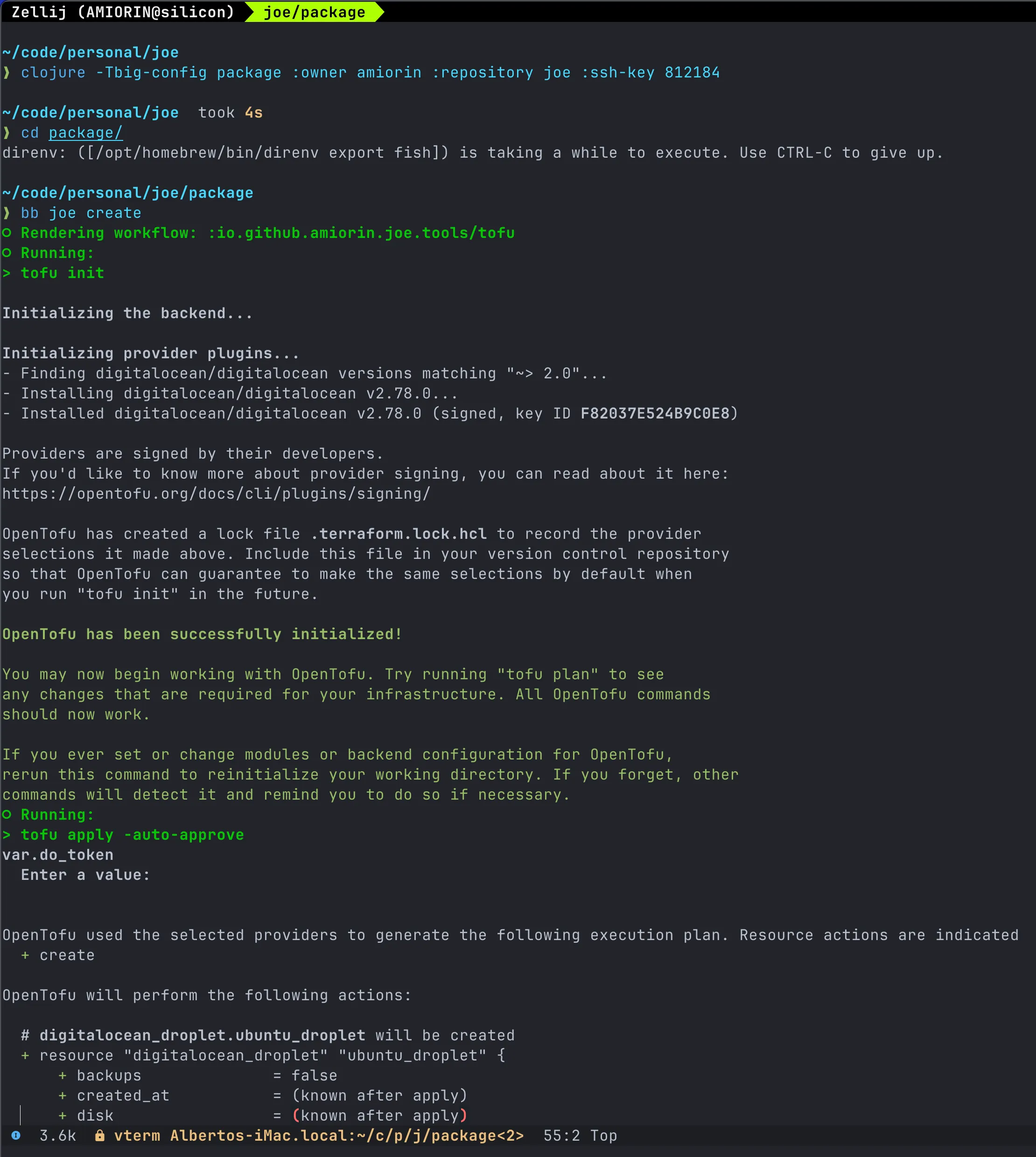
amiorinwith your GitHub account. Replacejoewith your desired repository name:Terminal window clojure -Tbig-config package :owner amiorin :repository joe :ssh-key 812184 -
Explore Babashka Tasks
Navigate to the directory and list available automation tasks:
Terminal window bb tasks -
Save the Digitalocean token
This step is optional:
.envrc.private export TF_VAR_do_token=dop_v1... -
Access the Package Manual
View the built-in documentation for your specific package:
Terminal window bb help -
Deploy the Package
Execute the creation workflow:
Terminal window bb joe create